
Products
Interactive Flat Panels in Pakistan
Explore interactive touchscreen displays for classrooms, conference rooms and collaborative workspaces. Pixora supplies Interactive Flat Panels in multiple screen sizes, with configurations tailored to your project requirements.
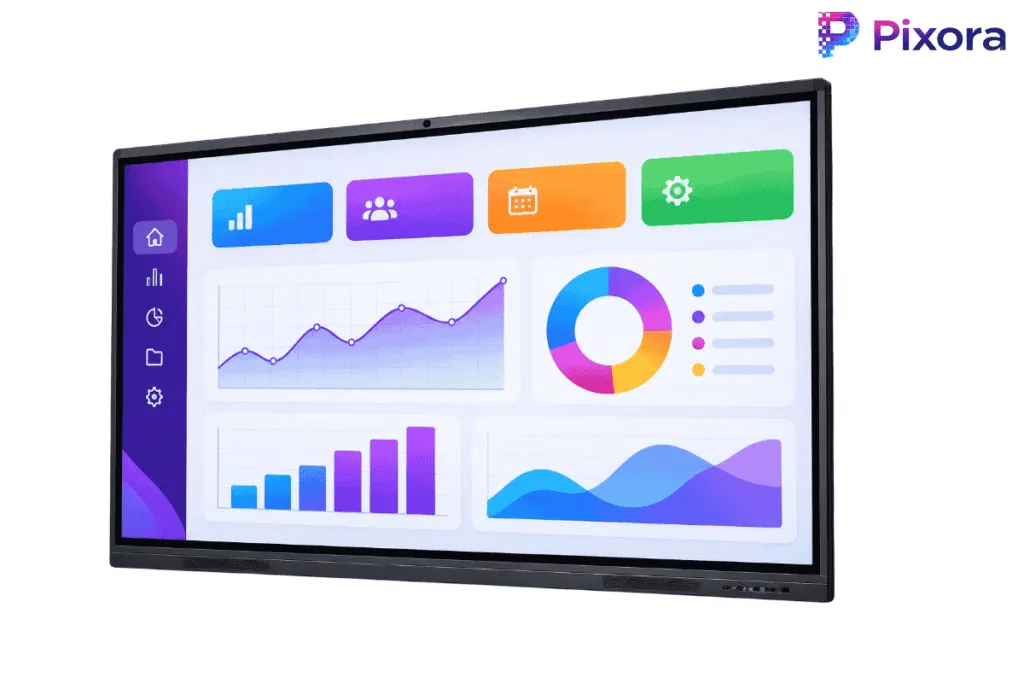
Interactive Displays for Smarter Collaboration
Interactive Flat Panels combine high-resolution visuals, touchscreen interaction and digital whiteboarding in one display solution. They help teachers, presenters and teams share information, annotate content and collaborate directly on screen.
Suitable for classrooms, training facilities and corporate meeting rooms, these displays offer an interactive alternative to traditional projector and whiteboard setups.
Pixora helps customers select suitable screen sizes and configurations based on room requirements and intended applications.
- Digital whiteboard with on-screen annotation
- Touch interaction for writing and navigation
- Wired and wireless content sharing, depending on model
- One device in place of a separate projector, screen and whiteboard
Sizes
Interactive Flat Panel Sizes & Models
Explore Interactive Flat Panels in six screen sizes, from compact meeting-room displays to large-format solutions for classrooms, boardrooms and training facilities. Available specifications vary by model and configuration.
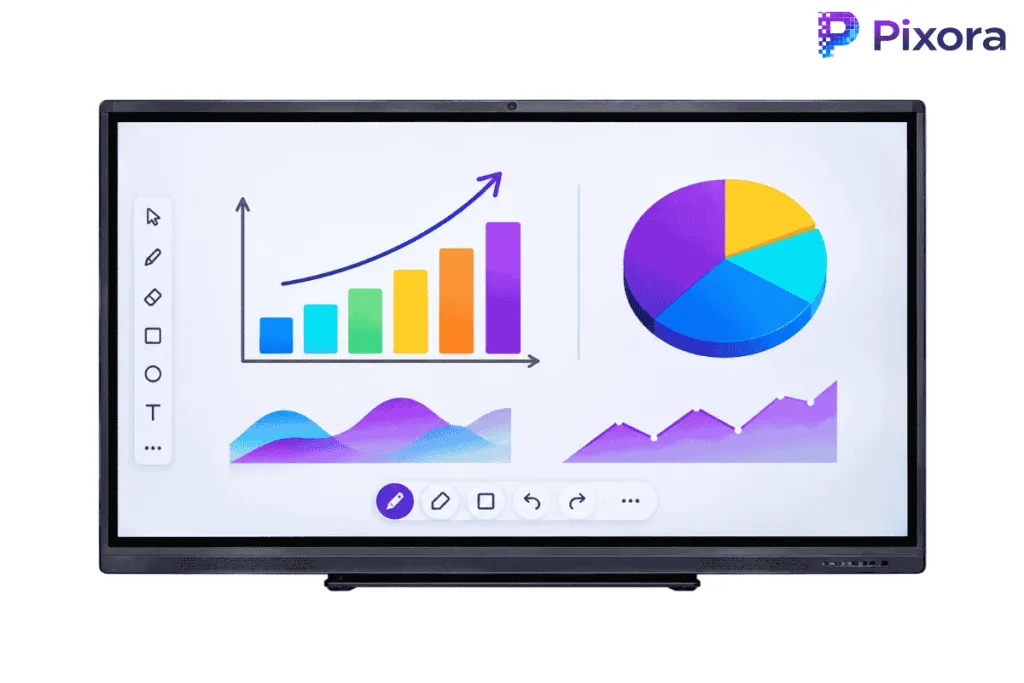
55-Inch Interactive Flat Panel
A compact interactive display option for small meeting rooms, collaborative workspaces and training areas where space is limited.
- 55-inch interactive touchscreen
- Specifications vary by model.
Typical use: Small meeting rooms and training spaces
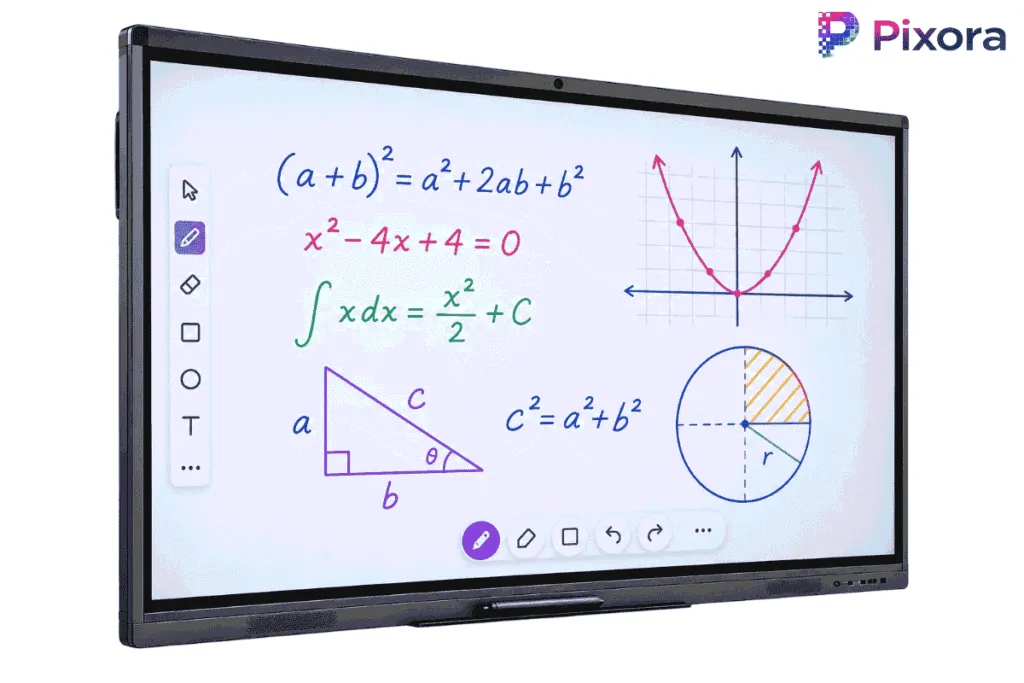
65-Inch Interactive Flat Panel
A versatile touchscreen display suitable for classrooms, teaching environments and medium-sized meeting rooms.
- 65-inch interactive touchscreen
- Specifications vary by model.
Typical use: Classrooms and meeting rooms
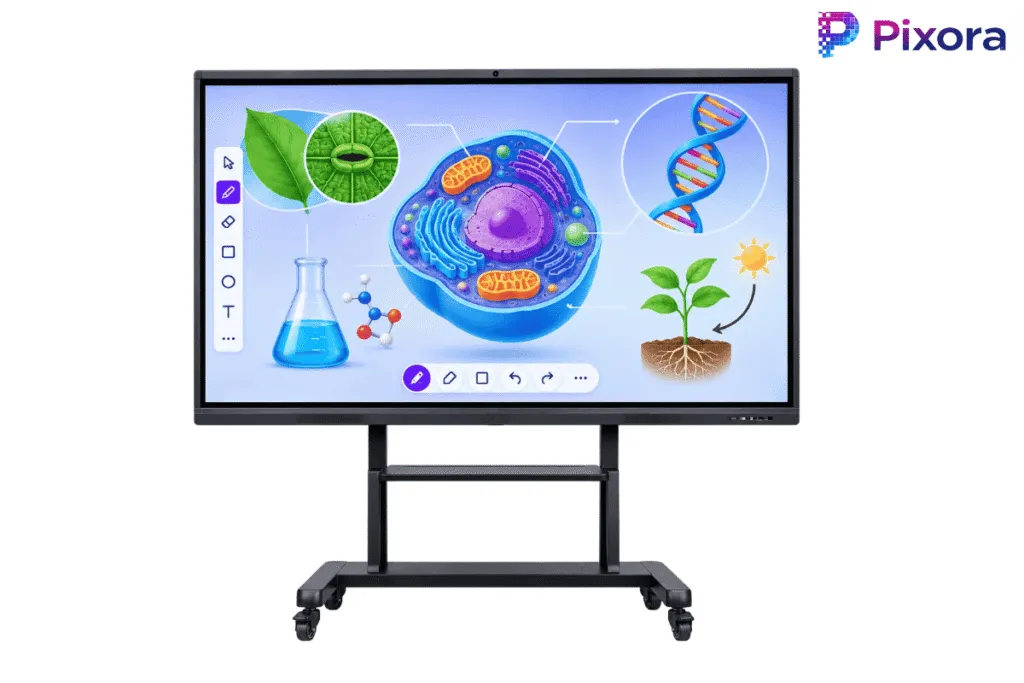
75-Inch Interactive Flat Panel
A larger interactive display designed for presentations, digital whiteboarding and group collaboration in classrooms and conference rooms.
- 75-inch interactive touchscreen
- Specifications vary by model.
Typical use: Classrooms and conference rooms
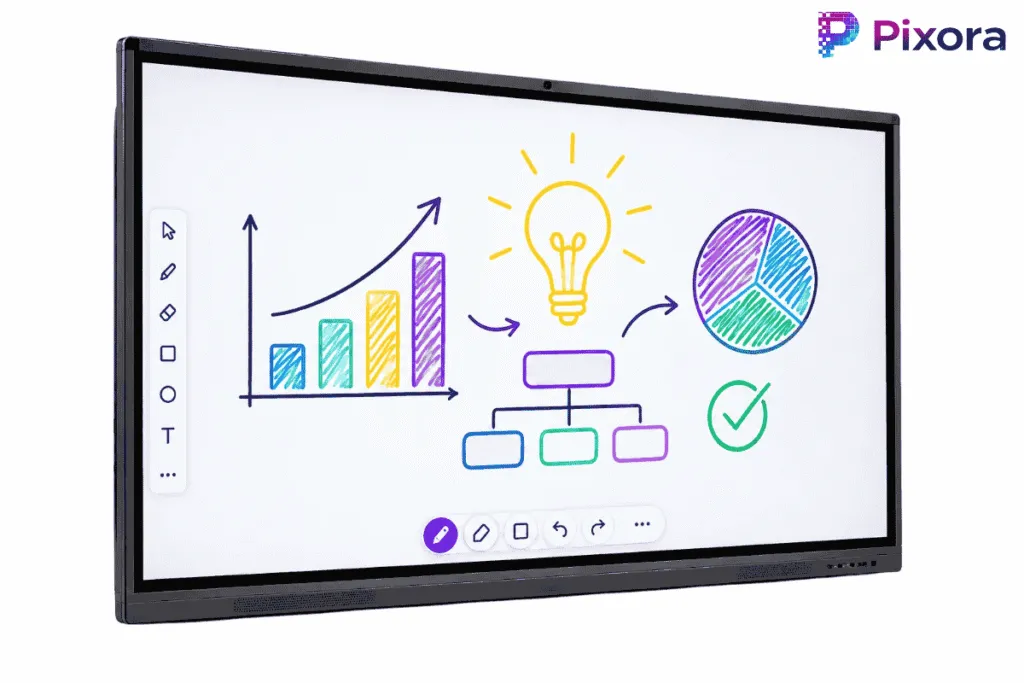
86-Inch Interactive Flat Panel
A large-format interactive display for boardrooms, lecture spaces and collaborative environments requiring improved visibility across the room.
- 86-inch interactive touchscreen
- Specifications vary by model.
Typical use: Boardrooms and larger classrooms
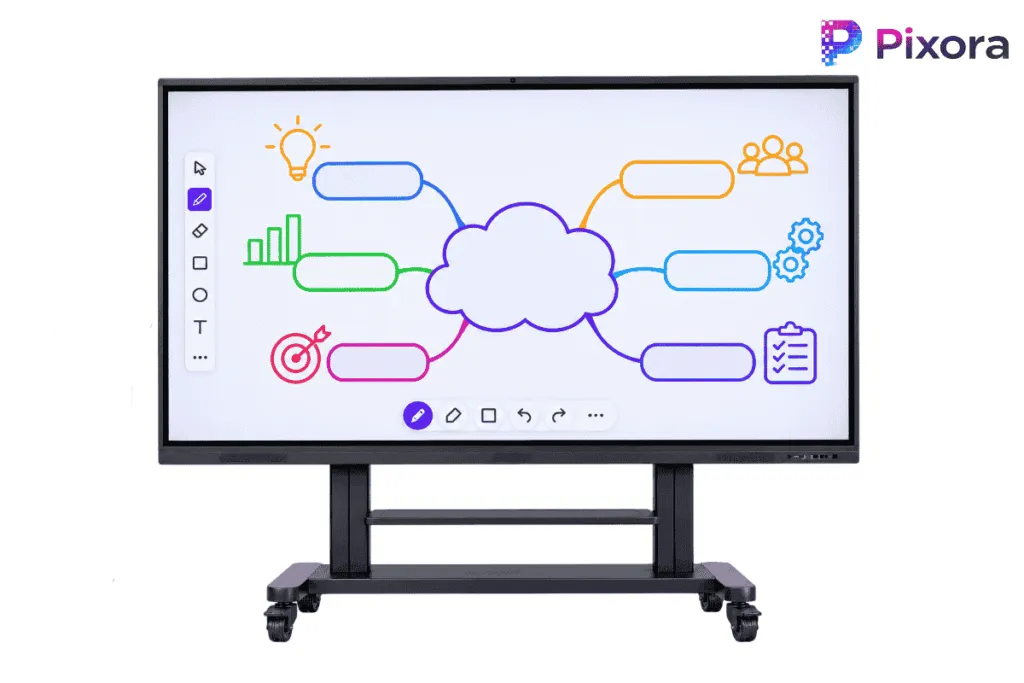
98-Inch Interactive Flat Panel
An extra-large interactive touchscreen solution for spacious meeting rooms, training facilities and presentation environments.
- 98-inch interactive touchscreen
- Specifications vary by model.
Typical use: Large conference and training rooms
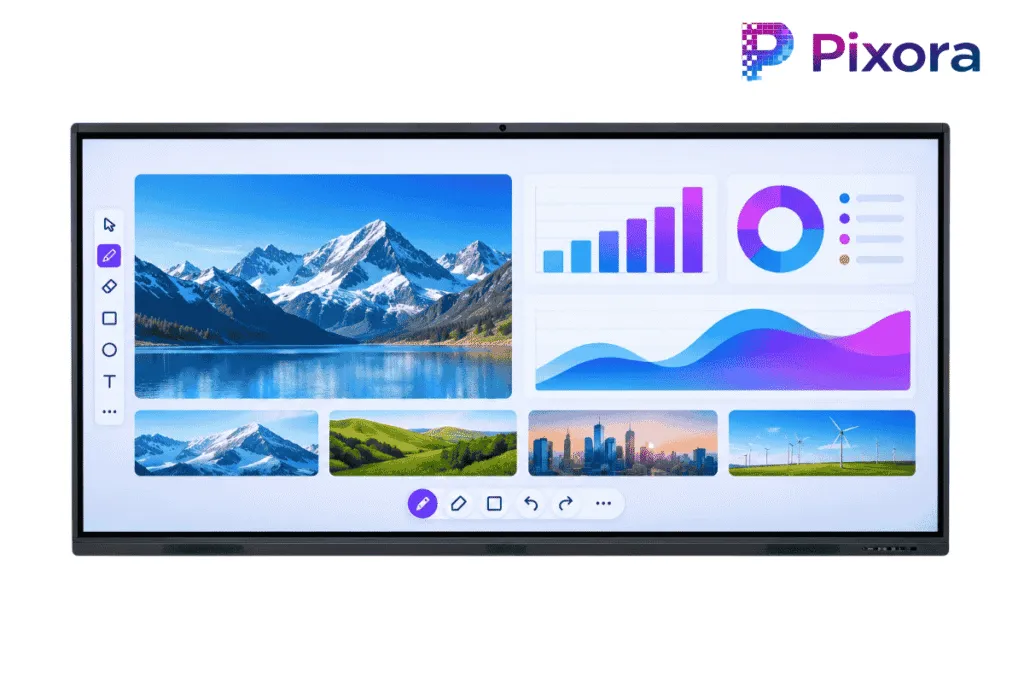
110-Inch Interactive Flat Panel
A large-format interactive display option for expansive collaboration spaces, auditoriums and institutional presentation environments.
- 110-inch interactive touchscreen
- Specifications vary by model.
Typical use: Auditoriums and large presentation spaces
Features
Key Features of Interactive Flat Panels
4K UHD Display
High-resolution visuals support clear presentations, detailed documents and multimedia content. Resolution is confirmed for each model in the quotation.
Multi-Touch Interaction
Compatible models support touch input for writing, annotation and collaborative activities.
Digital Whiteboarding
Create notes, draw diagrams and annotate presentation material using supported whiteboarding software.
Android & Optional Windows OPS
Select configurations offer built-in Android functionality and optional Windows OPS compatibility.
Device Connectivity
Connect compatible laptops, computers and presentation devices using the ports supported by the selected model.
Interactive Collaboration
Support group discussions, teaching and presentations through on-screen interaction and shared content.
Applications
Interactive Flat Panels for Education & Business
Interactive flat panels suit any room where people present, teach or work together on shared content.

Education & Classrooms
Interactive displays support digital lessons, classroom presentations and on-screen annotation, helping teachers deliver more engaging learning activities.
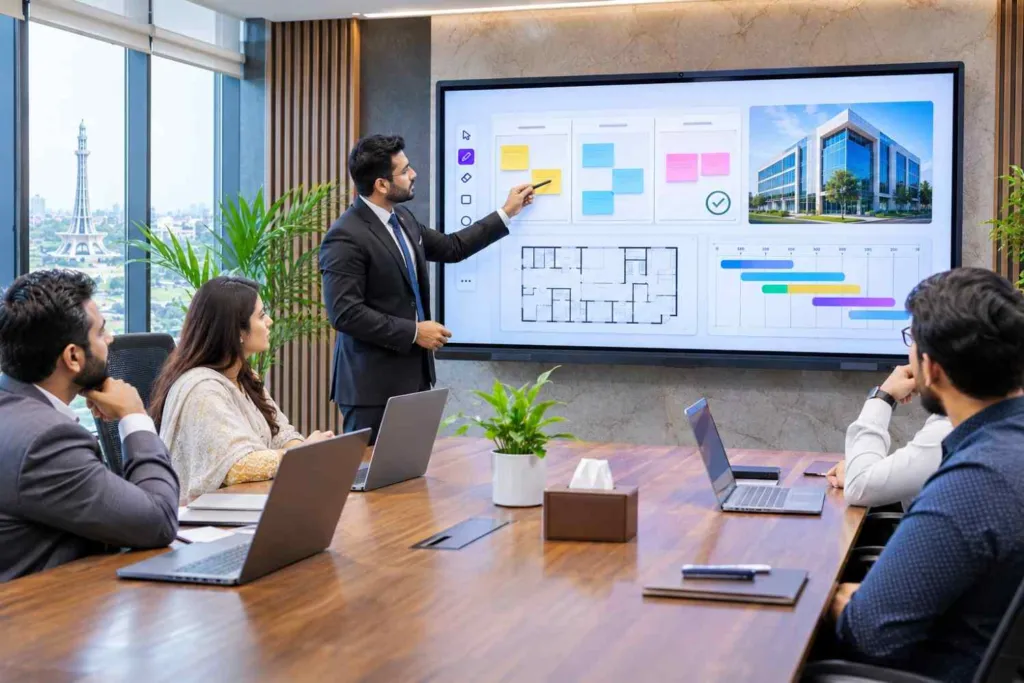
Corporate Meetings & Boardrooms
Use interactive touchscreen displays for presentations, project discussions, digital whiteboarding and collaborative meetings.
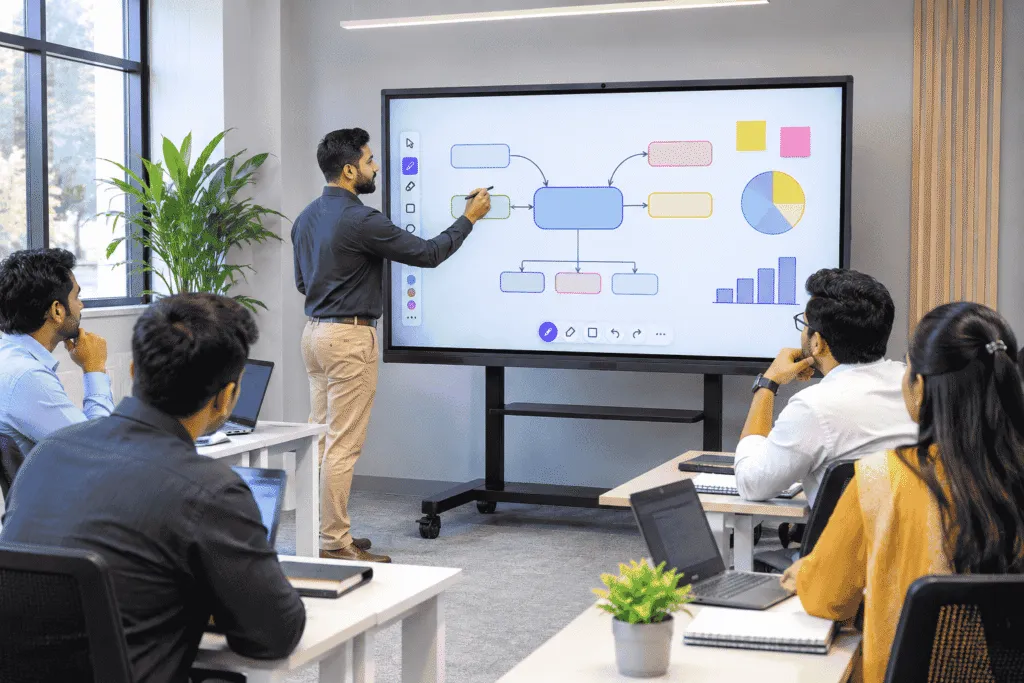
Training & Collaboration Spaces
Support workshops, staff training and group presentations with interactive content and shared on-screen activities.
Specifications
Technical Specifications
Specifications vary by brand and model. The table shows the options available across Pixora’s interactive flat panel range. We confirm the exact specifications of your selected model in the quotation.
| Screen sizes | 55, 65, 75, 86, 98 and 110 inch |
|---|---|
| Display resolution | Model-dependent; 4K UHD on supported models, confirmed per quotation |
| Touch technology | Varies by model |
| Touch points | Varies by model |
| Operating system | Android options; version varies by model |
| Windows OPS | Optional on compatible models |
| RAM and storage | Varies by configuration |
| Connectivity | Model-dependent; available ports confirmed for the selected model |
| Brightness | Varies by model |
| Protective glass | Model-dependent |
| Mounting | Compatible mounting options confirmed per model and site |
Pricing
Interactive Flat Panel Price in Pakistan
Interactive Flat Panel prices in Pakistan depend on screen size, brand, display technology, operating system, memory configuration and optional accessories.
Larger panels and advanced configurations may have different pricing based on their specifications and availability.
For an accurate quotation, share your preferred screen size, required quantity, installation location and any specific technical requirements with Pixora.
What affects the price
- Screen size
- Brand and model
- Touch technology
- Operating system
- RAM and storage configuration
- Optional Windows OPS computer
- Quantity
- Installation requirements
Why Pixora
Why Choose Pixora?
Pixora supplies commercial display solutions to schools, offices and institutions in Pakistan. We focus on choosing the right panel for each room and supporting it after installation.
Display Solution Consultation
Help customers identify appropriate interactive display sizes and configurations for their intended applications.
Project-Based Quotations
Provide quotations based on screen size, quantity and project requirements.
Product Configuration Options
Discuss available operating systems, connectivity and compatible accessories according to the selected model.
Installation Planning
Assist with display placement and installation requirements where the service is available.
Business & Institutional Supply
Support product enquiries for corporate, educational and institutional projects.
Technical Assistance
Provide product-related guidance and support according to the agreed supply and service scope.
What is an Interactive Flat Panel?
An Interactive Flat Panel is a touchscreen display that allows users to present content, write, annotate and interact with digital material directly on screen. It is also known as an interactive smart board and is commonly used in classrooms, meeting rooms and training environments.
Which Interactive Flat Panel size is suitable for a classroom?
The appropriate size depends on room dimensions, viewing distance and seating arrangements. Common classroom options include 65-inch, 75-inch and 86-inch panels, while larger spaces may require bigger displays.
Can Interactive Flat Panels connect to laptops?
Yes, compatible panels can connect to laptops and computers using supported connections such as HDMI and USB. Available ports and touch-back functionality depend on the selected model.
Do Interactive Flat Panels support Windows OPS?
Some Interactive Flat Panels support optional Windows OPS computers, allowing compatible Windows applications to run directly on the display. Compatibility depends on the panel model.
What affects Interactive Flat Panel prices in Pakistan?
Prices depend on factors such as screen size, brand, touch technology, operating system, memory configuration, optional OPS computers and installation requirements.
How can I get a quotation from Pixora?
Contact Pixora with your preferred screen size, required quantity, installation location and any specific features. The team can prepare a quotation based on your project requirements.
More displays
Explore More Display Solutions
Get a Quote for Interactive Flat Panels
Looking for an Interactive Flat Panel for your classroom, meeting room or training facility? Share your preferred screen size and project requirements with Pixora to receive a tailored quotation.